


Showing posts with label Windows. Show all posts
Showing posts with label Windows. Show all posts
Sunday, 1 February 2015
 Disk partitioning means the act of dividing your hard drive into multiple volumes. By doing so, you can create as many partitions as per your requirements. You can partition your drive using various 3rd party software. However, in this article I will teach you how you can effectively partition your hard drive without any software.
You don't need any advance skills. You can do it by following few easy steps mentioned below.
Process of Disk Partition
Step 1: Right Click on 'My Computer' icon and Select 'Manage' as shown below.

Step 2: Click on 'Disk Management' located at the bottom.

OR
You can also directly open Disk Management with Shortcut command.
Step 1: Open Run ( Win key + R) and
Step 2: Type 'diskmgmt.msc' and press Enter.

Step 3: Now select the volume you want to partition. I am partitioning my F: drive. Right click on it and select Shrink.

Step 4: Now enter the amount of space to shrink in MB and click on Shrink. For example: 50 Gb = 50000MB

You can see in the image below, you can see that 96 GB F: drive space has been reduced to aprrox 50GB (highlighted in Red) and the remaining space can still be used to create another partition or extend other drive space.

Process for extending your Drive
Step 1: Right click on the drive you can to extend and select 'Extend'.

Step 2: Enter the amount of space in MB that you want to extend and click on Next. You're done.

I extended my F: drive. You can see below.
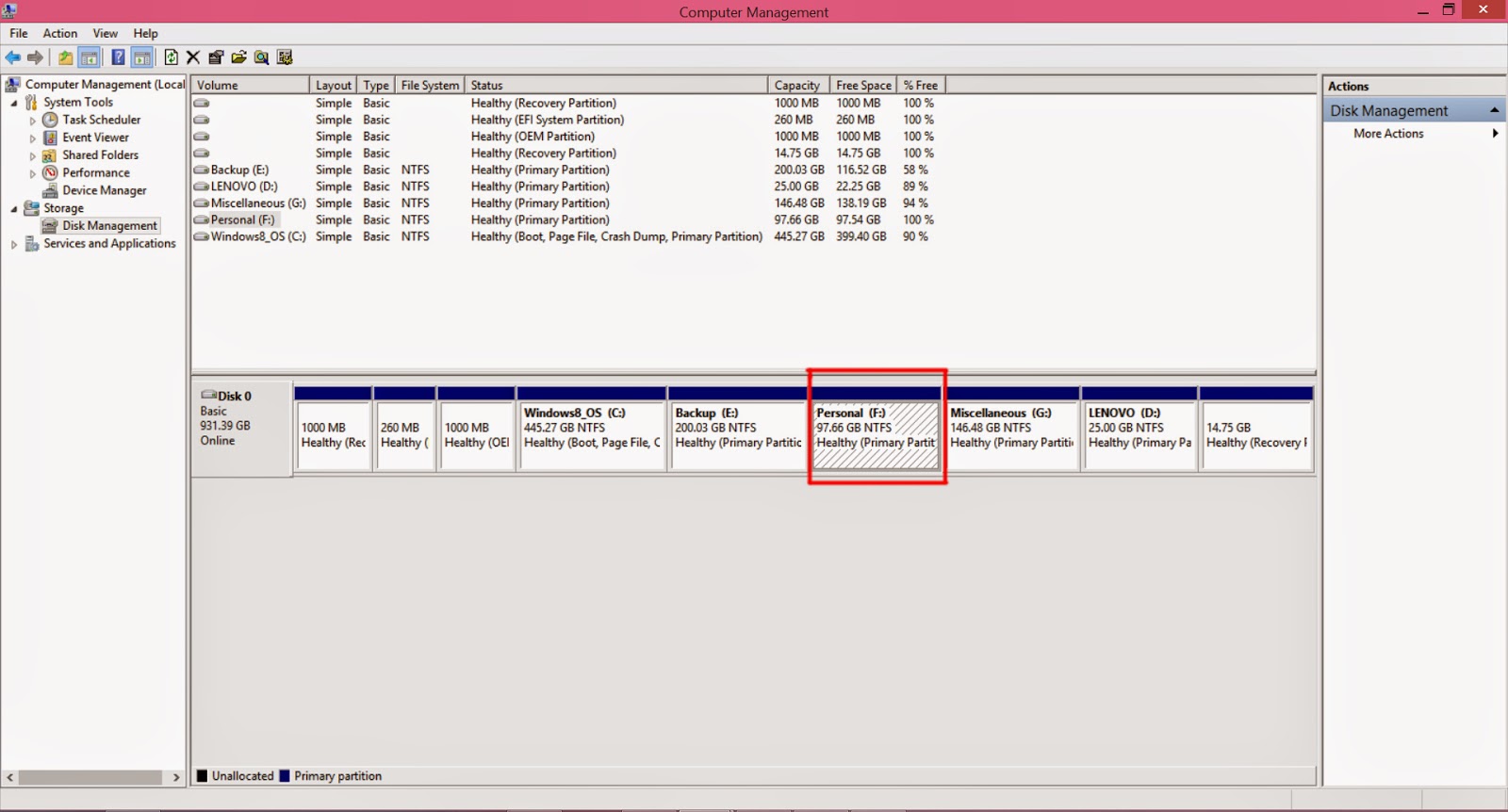
Conclusion: I performed the disk partition in Windows 8.1. You can follow the same procedures in previous version of Windows. The best thing is that you can create new partition even from drive with files and extend them in Windows 8.1 which was not possible in Window 7 and Window XP without using any software.
If you have any queries then comment below. I will be always there to solve your issues.
Saturday, 24 January 2015
 Microsoft's Windows 7,released on July 22,2009, was a great success and was largely accepted by its user worldwide. After few years, Microsoft introduced completely new interface OS known as Windows 8 on October 26, 2012. As this was completely different from previous version of operating system, it was greatly criticized. Further, its users faced many difficulties regarding interface, drivers issues and so on. Thus, Windows 8 could not meet the need of its users.
After research of couple of years and feedbacks from its critics and users on Windows 8, Microsoft is all set to gain the same popularity among its user with Windows 10. Windows 10 has some major improvements over Windows 8 and has included many advance features that will make Windows 10 much more interactive, easier to use for its users.In this artcile I am going to share some some major features of upcoming Windows 10. Among these features that will be discussed below, some features are still under built and speculated to take around 3-5 months to be launched. Another great news is that Microsoft has announced that it will provide free Upgrade for PC running with Windows 7 and Windows 8.
Windows 10 will rock the platform of Operating system with its following features:
1. Cortana - Voice Assistant
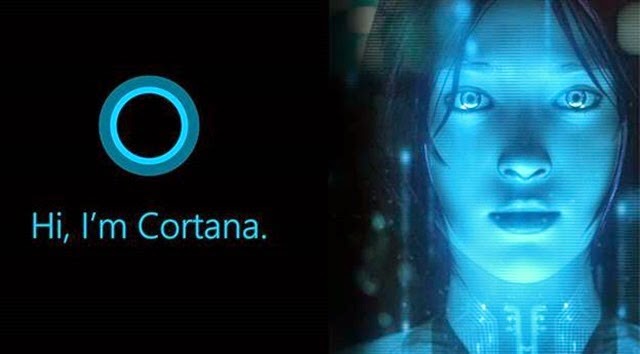 Voice Assistant is considered
 as one of the cool feature of Smartphones. Siri in iPhone, Galaxy Voice in Samsung Smartphone has made them much more interactive among its users. One can easily search, manage schedules,set alarm,etc with voice command. Windows 10 also has included this feature known as "Cortana".It is a virtual assistant which will support you alot with its features more than smartphone's assistant.It will help you to manage your pc,guide through map to get out of traffic showing you a traffic free route,save your time by checking your mails,saving your files,etc.
2.Better OneDrive Experiences
 OneDrive is popular cloud service from Microsoft. This time OneDrive has a better feature which will really make things easier than before.It will manage your music playlist,enhance your photos quality.A great feature is that it will automatically create albums for you when you upload your photos checking the time and background of pictures. Besides, another cool feature is that it helps you save disk space by deleting duplicate pictures.
3.Start Menu
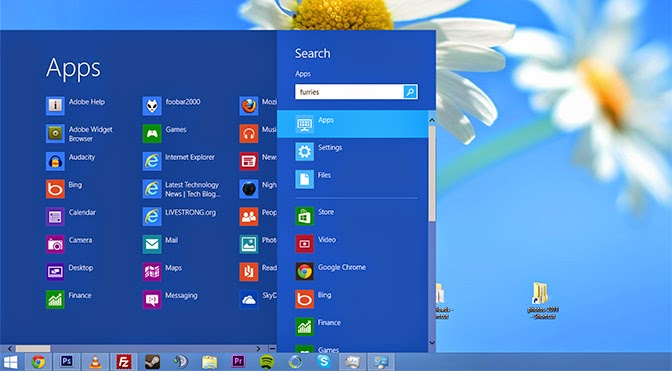 This time Windows 10 start menu will allow you to customize according to your requirement and easiness.So,this time you will not have to compromise with your start menu.It is back with some of its old tools which were not included in windows 8.
4.Virtual Desktop
Virtual Desktop is cool features and completely unique one. If you are concerned about privacy and want to hide your real deskop from others then Virtual Desktop will surely help you out. You can perform several tasks at single time using several virtual desktops and tasks performed in one desktop will not be visible in other desktop.
5.Better Gaming Experience
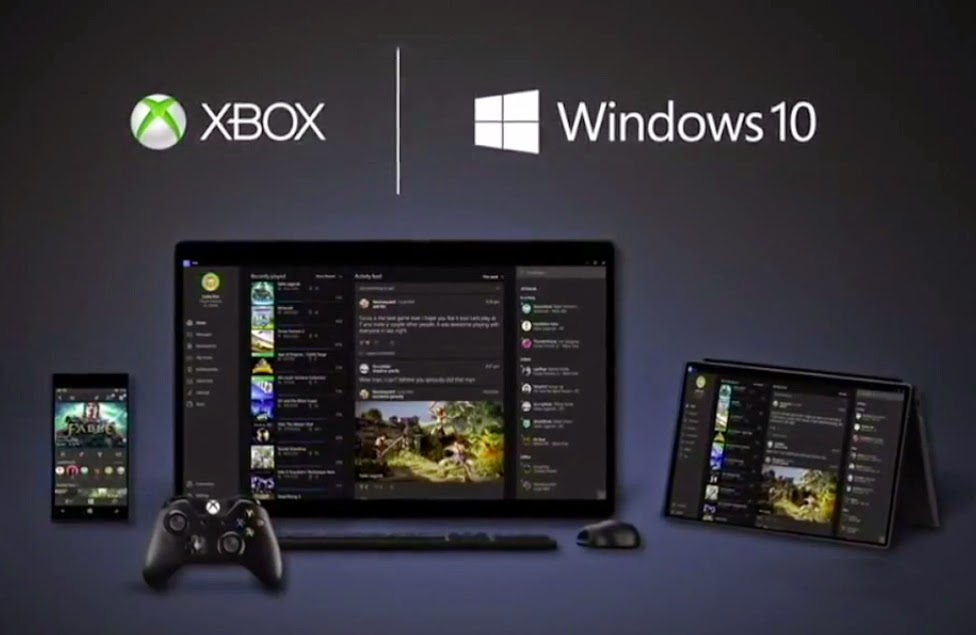 Besides normal usage of PC, at present PC are also use for games.For better gaming experience windows has its its x-Box app to join multiplayer gaming and save your gameplay. Besides, the lastest Directx 12 will enhances the gaming experience and lower the requirement for the game.
6. Holographic Technology
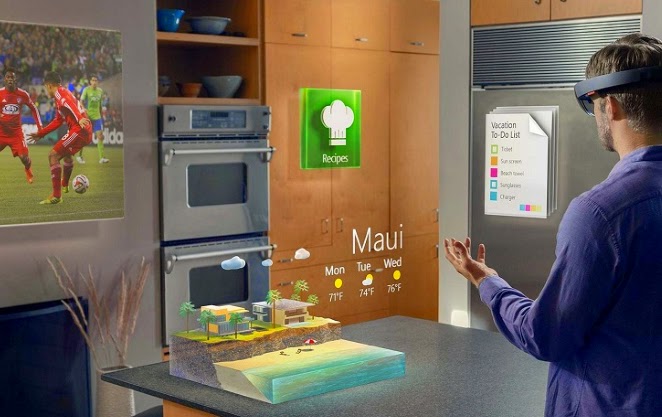 Today Holography is developing and famous worldwide.Windows 10 will let you experience the virtual world of Holography in your home. At present,you can use this technology with Skype and experience completely new way of communication.
If you would like to watch the full video of Windows 10: The Next Chapter event then Click here.
Video Reference: CNET
Conclusion: It seems that Microsoft Windows 10 will provide you with completely new experiences that the previous versions of OS lack. Users gonna surely enjoy the company of Cortana in Windows 10. If your PC have Win 7 or Win 8, then it will be better to upgrade it to Windows 10 for free.I will again update more information on Windows 10 after it's official release.
Subscribe to:
Posts (Atom)
Visitors

Popular Posts
-
 Hey friends , if you interested to learn C/C++ in you android device then CppDroid can help you. By using this app you can easily write...
 -
 In the recent times,backing up the files online is the latest way to store the personal files and folders.Files stored in cloud are more se...
 -
 Are you guys looking for PC games? As it is known to you that in today’s world 3D gaming has earned much popularity in different platfo...
 -
 At present, it's better to learn different languages so that it can be helpful for you. Besides, your mother tongue you must be much...
 -
 There are many apps that provide free calls by offering free credits. However, after the free credits are over you need to purchase the cr...
 -
 Hey Guys! Welcome to the new tutorial. In this , you will learn to create a password protected software without any software. Most of us, ...
 -
 If you own an iOS device, then you must know that by default you have to set 4 digit numeric passcode. But there is also a feature availab...
 -
 Were you ever eager to know the saved passwords in your iOS device ? Sometimes you might also want to know the passwords that your pare...
 -
 Microsoft's Windows 7 ,released on July 22,2009, was a great success and was largely accepted by its user worldwide. After few years, ...
 -
 I love the way the Windows Start Menu allow me to access the applications easily in My PC. Have you ever wish for search Start Menu for you...